Installation and User Manuals

Need Help? Call us at

Portable device with a camera at the top, a touchscreen displaying four circular patterns with numbers, a fingerprint scanner, a green circular control button, a card scanner slot, and icons indicating Wi-Fi and fingerprint recognition.

Lockly Guard Vision Ingress 303WA Video Intercom + Smart Access Control

Installation Guide

User Manual

A black digital device with a screen displaying four circular dials, a fingerprint scanner icon, a green illuminated button, a bell icon, and a card slot, with the brand name 'LOCKLY' at the top.

Lockly Guard Ingress 302WA Intercom + Smart Access Control

Installation Guide

User Manual

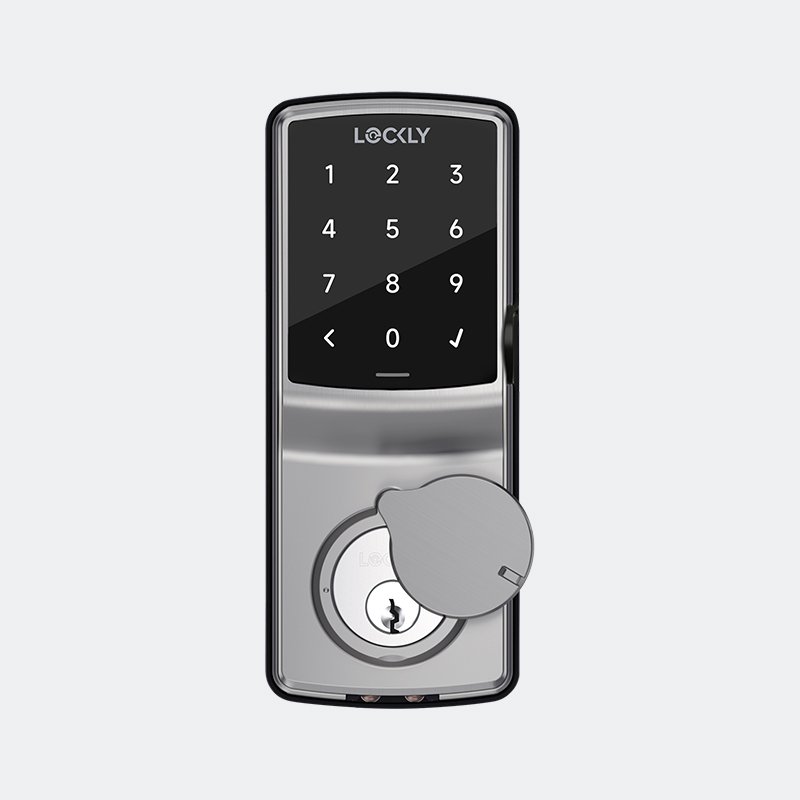
A digital door lock with a touchscreen keypad displaying four lock codes, a fingerprint scanner, and a keyhole, branded LOCKLY.

Lockly Guard Vision 798U Deadbolt Edition

Installation Guide

Door Drilling  Guide

User Manual

Digital lock with keypad, fingerprint scanner, and keyhole, light gray color, on a light background.
Digital electronic lock with keypad and keyhole, branded 'LOCKLY', showing a keypad for entering a code and a keyhole for a physical key.

Lockly Guard Deadbolt 728FN Flow Edition

Installation Guide

Door Drilling  Guide

User Manual

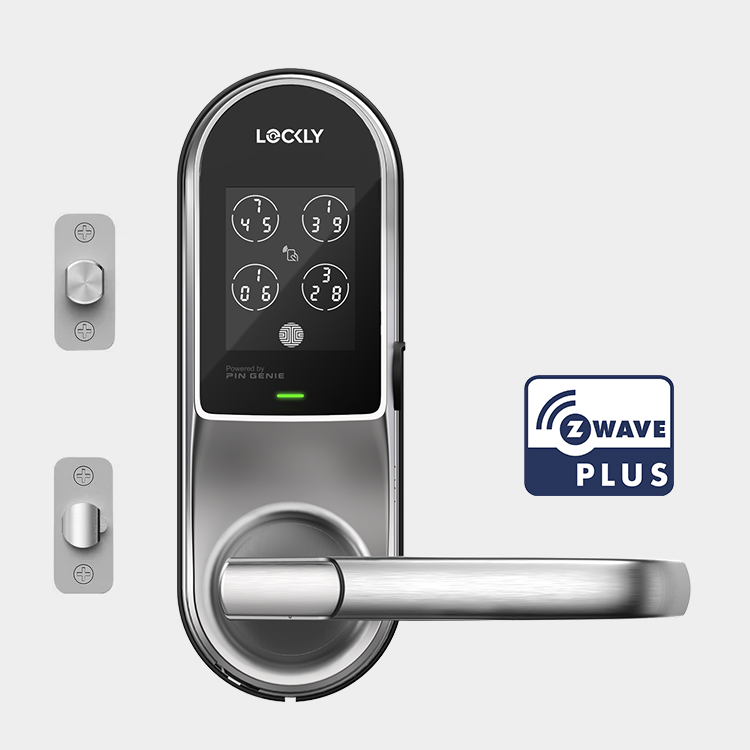
Smart lock keypad with a touchscreen display showing four sets of numbers, and a circular turn knob below. The lock is branded "Lockly" and features a Green indicator light. There is a "Z Wave Plus" logo in the top right corner.

Lockly Guard Deadbolt 728Z Z-Wave Smart Lock

Installation Guide

Door Drilling  Guide

User Manual

A modern digital door lock keypad with a touchscreen display and a round dial, branded 'LOCKLY,' connected via Bluetooth, with a 'Z Wave Plus' logo in the top right corner.

Lockly Guard Fingerprint Deadbolt 728FZ Z-Wave Smart Lock

Installation Guide

Door Drilling Guide

User Manual

Electronic smart lock door handle with digital keypad and fingerprint scanner.
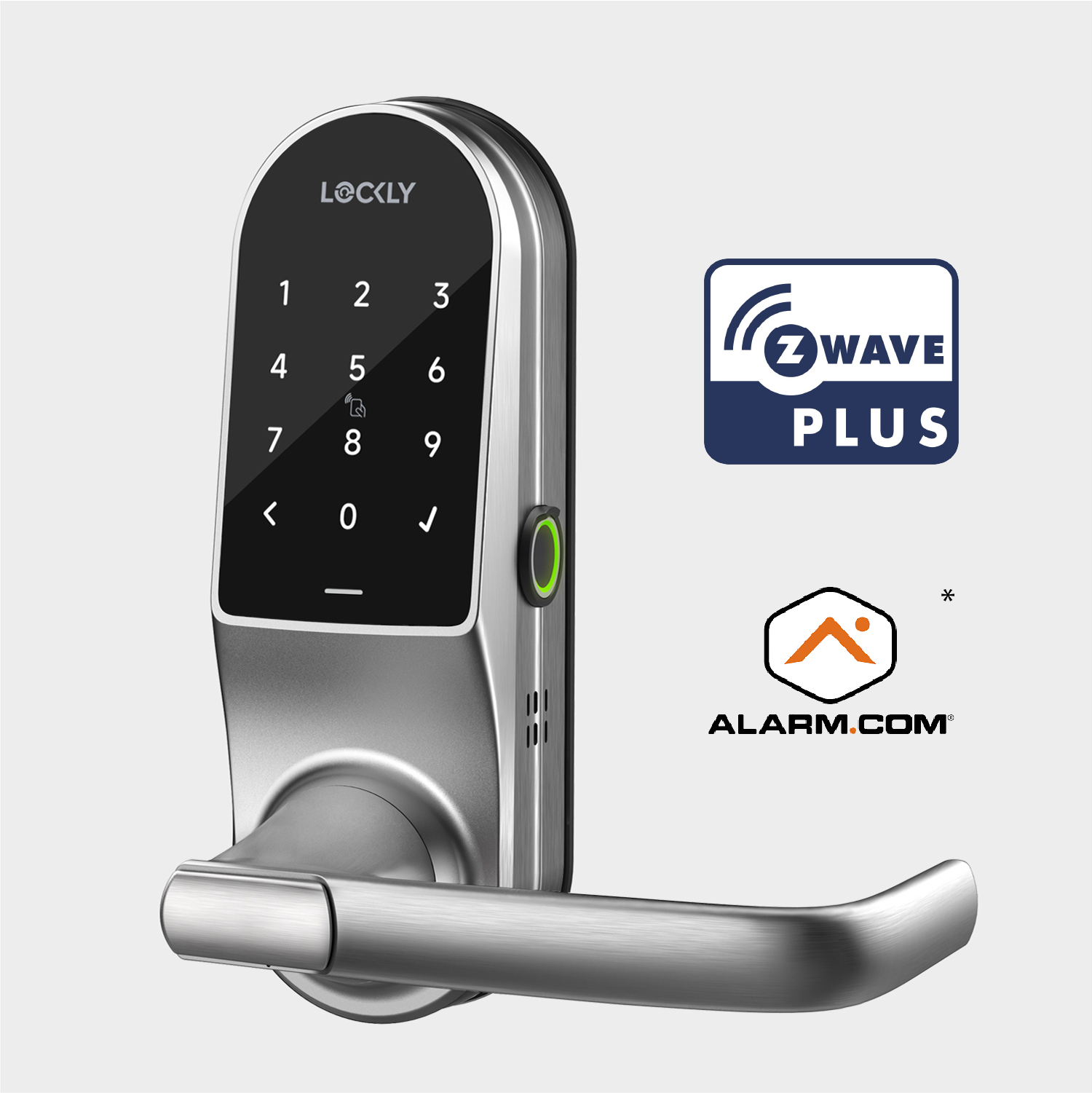
Electronic smart door lock with keypad and touchscreen, shown with logos for Z-Wave Plus and Alarm.com integration.
Digital smart lock with a keypad and handle on a door, showing numbers from 0 to 9 on the screen.
Electronic door lock with a keypad and digital display showing numbers, a green indicator light, and a door handle.
Smart electronic door lock with keypad and handle, branded LOCKLY, mounted on a white background.
Smart door lock with keypad, handle, and Z Wave Plus logo

Lockly Guard Vision 698L Latch Edition

Installation Guide

Door Drilling Guide

User Manual

Electronic smart lock with touchscreen keypad and digital display mounted on a white door.
Smart digital door lock with keypad, keypad display, and handle, silver metallic finish.

Lockly Guard Defender 238LE Exit Trim Edition

Installation Guide

Door Drilling Guide

User Manual

Electronic smart door lock with keypad and handle

Lockly Guard Defender 238LM Doorman Edition

Installation Guide

Door Drilling Guide

User Manual

Electronic smart door lock with digital keypad and handle.

Lockly Guard Athena 228SL Slide Edition

Installation Guide

Door Drilling Guide

User Manual

Electronic door lock with a touchscreen keypad, numeric display, and card reader on a silver door handle.

Lockly Guard Athena 228SW Swing Edition

Installation Guide

Door Drilling Guide

User Manual

Smart black electronic door lock handle with touchscreen keypad on a white background.

Lockly Secure Lux Mortise Edition

Installation Guide

Door Drilling Guide

User Manual

Digital smart door lock with a touchscreen keypad display showing four sets of codes, a handle, and a green LED indicator.

Lockly Lux Compact Mortise Edition with RFID

Installation Guide

Door Drilling Guide

User Manual

Electronic smart door lock with digital keypad and handle.

Lockly Lux Compact Mortise Edition

Installation Guide

Door Drilling Guide

User Manual

A black digital door lock with a circular fingerprint scanner and a green LED light, branded "LOCKLY" at the top.

Lockly Guard Credential Manager 349 Fingerprint + RFID Encoder

Installation and User Manual


A white device with a rectangular top and a rounded bottom, featuring a circular logo and a small black dot above the logo, set against a plain background.

Lockly Secure Link Wi-Fi Hub

Installation and User Manual